
LEARN PICKLEBALL
Start with a Free Introductory Class
1.
2.
Fill out the form below to receive a schedule of upcoming intro clinics and register for one of our 90-minute Introductory Classes that best fits your schedule.
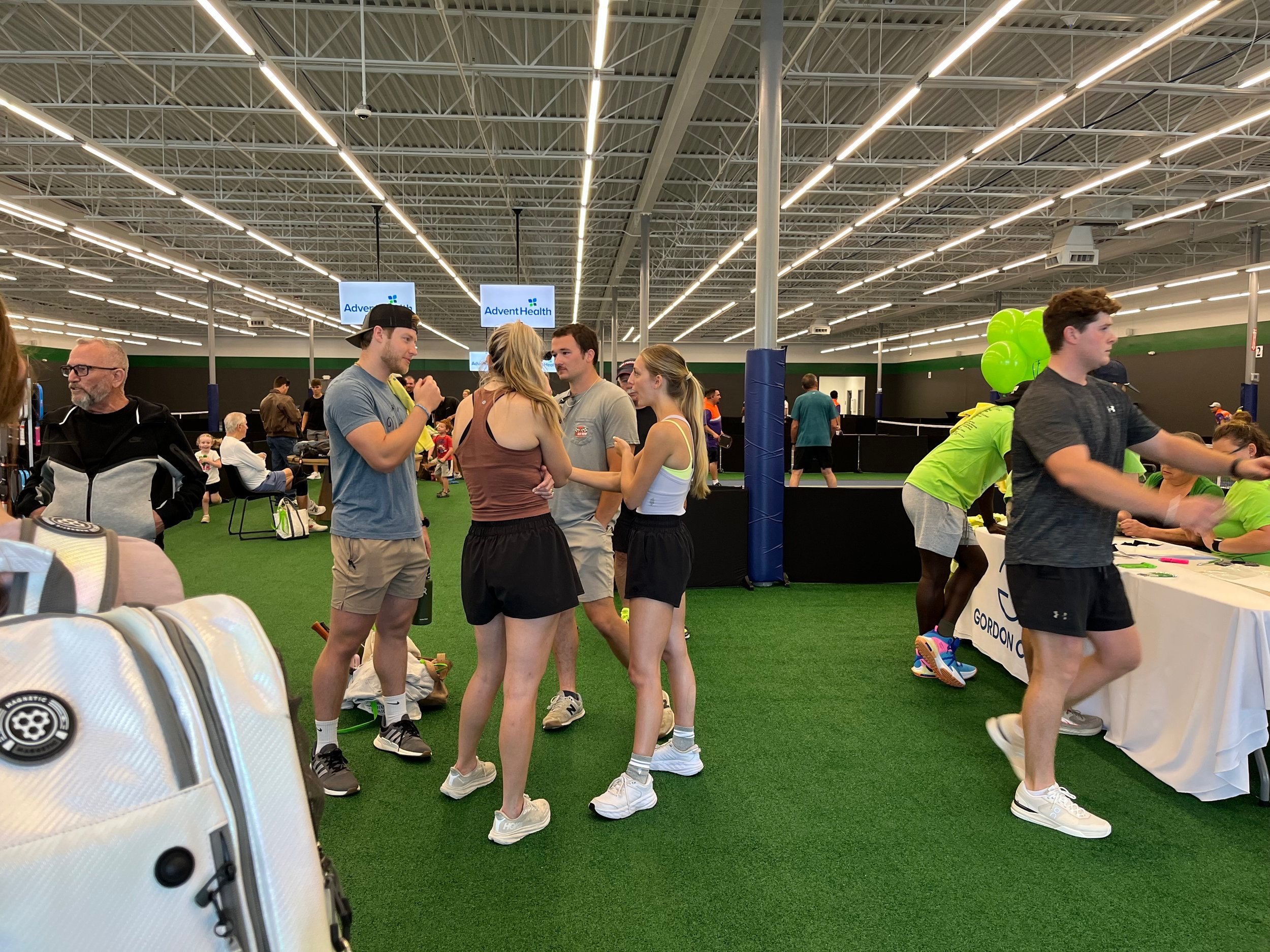
Show up to the clinic on time in your most comfortable court shoes and attire. Our instructors will have you moving and grooving as you learn what makes Pickleball the fastest growing sport in America.



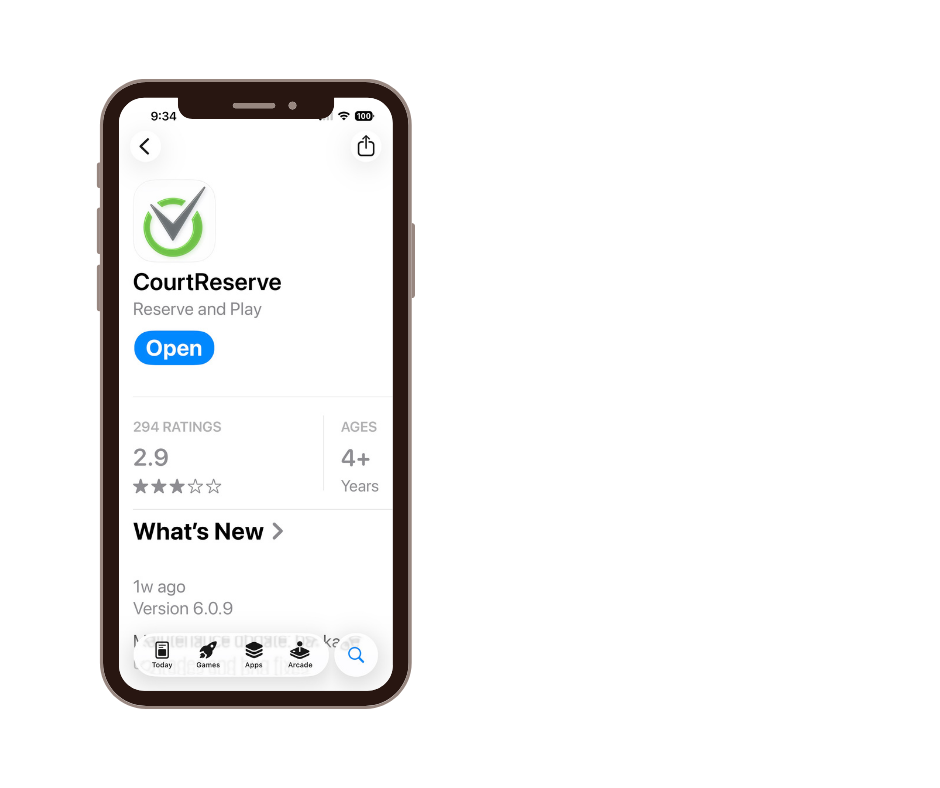
Under ”Organizations”, Search by typing “Pickleball 706” & Join:
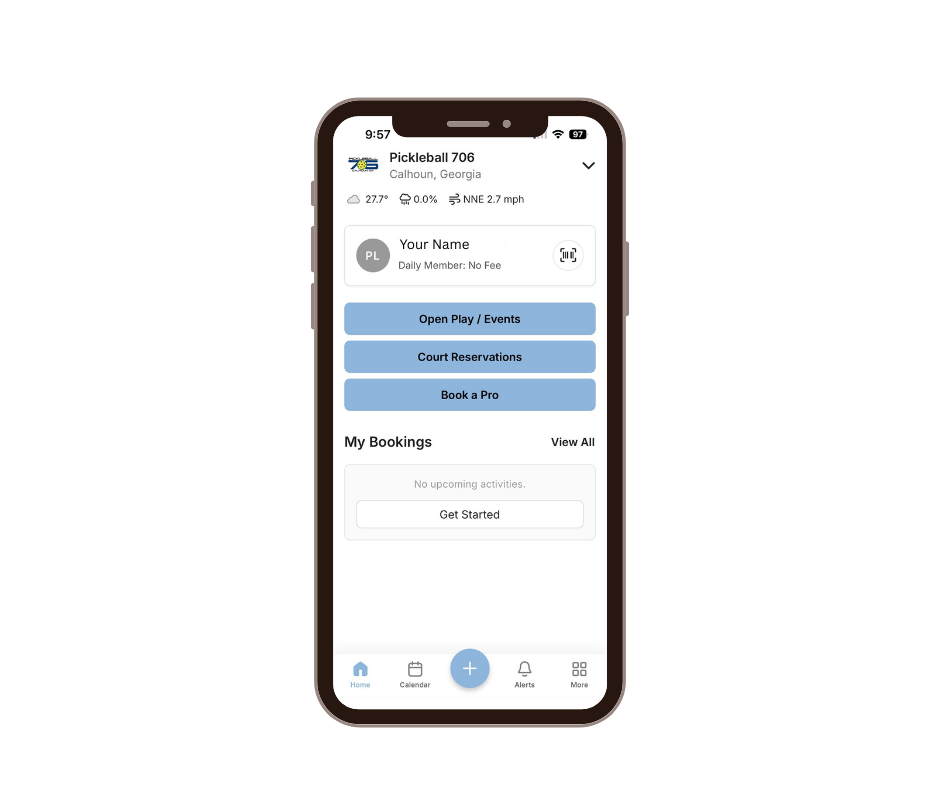

Complete the Free Registration Form and Select the membership you desire, the Free Membership is “Day Pass: No Fee”
Select “Review & Finalize”, then Select “Review & Agree” and then Read & Agree to the Waivers and Code of Conduct by checking the box at the bottom and hitting “Confirm”. You will then Select “Join Organization”. There is NO Charge for Joining the Club as a Day Pass Member.
Once you have set up your account, you can then register for Open Play/Events or Reserve A Court. Select “Calendar” to see the events going on each day, choose the events you would like to join and then choose “Register”. Be sure to “Finalize Registration”. Add a credit card so you can pay for your event right in the App. Then when you get to the club all you have to do is scan your membership QR Code, It’s that simple.
Adding Family Members to your account: Go to the right hand bottom of the screen and click the four squares labeled “More”, choose “My Family”, Then add the family members you want to add. Remember to select the name you are signing up for each event. Birthdays & Gender are important as there are age and sex restrictions on some events, so be sure and enter the birthdays and Gender.
Come out and Explore all the things to do at the new Pickleball 706. You won’t be disappointed!
Navigating the App
Open Play/Events opens the menu to filter the events by Category, All Open Play/Events (in Chronological order), or via a Calendar. You can choose an event to register for in all three of these menus. Court Reservations allows you to Book a Court. My Reservations or My Events shows you what you have registered for. MY BOOKINGS also shows you your upcoming registrations. You need to register for an event every time you come to the club to play. The More Button on Your App opens your settings, it is in the bottom right hand corner. From there you can edit your profile, add family members in your household, check your bookings, change your membership, see your billings and payments, see your payment profiles and join other organizations that use Court Reserve. To change your membership you would simply hit Change Membership to see the other options available, some memberships require a 12 month commitment. If you want to buy a Bundle (Day Passes, Court Reservations or Lessons) go to Billing, then Packages (here are your current purchased packages), to add a new one, choose “Purchase Package” and you will see a list of Packages available.