
Open Play Passes or Bundles, the choice is yours!
Unlimited Open Play
We have Unlimited Open Play plans that bill Monthly, Quarterly or Annually, see options below. You can upgrade via your CourtReserve account by tapping on the plan that fits your schedule below. No hidden fees, cancel anytime or save money by purchasing the 12-month Commitment Option. Only spouses and children can be included in Family Plans.
If you’d prefer to have a member of our staff upgrade your membership for you, please stop in at the desk.
Open Play Pass Options
Scroll down for Bundle information
-

Annual Open Play Pass $600/yr
A whole year of Unlimited Open Play + 1 Two Hour Court Reservation Every Month! A $1488 value!!!
-

Quarterly Open Play Pass $135/quarter
Reduce your monthly costs and buy a quarterly membership! Unlimited Open Play for 3 months.
-

Unlimited Open Play Pass $60/month*
Monthly Unlimited Open Play Pass for players ages 18 - 61 years.
*12 month Commitment Price is $50/month
-
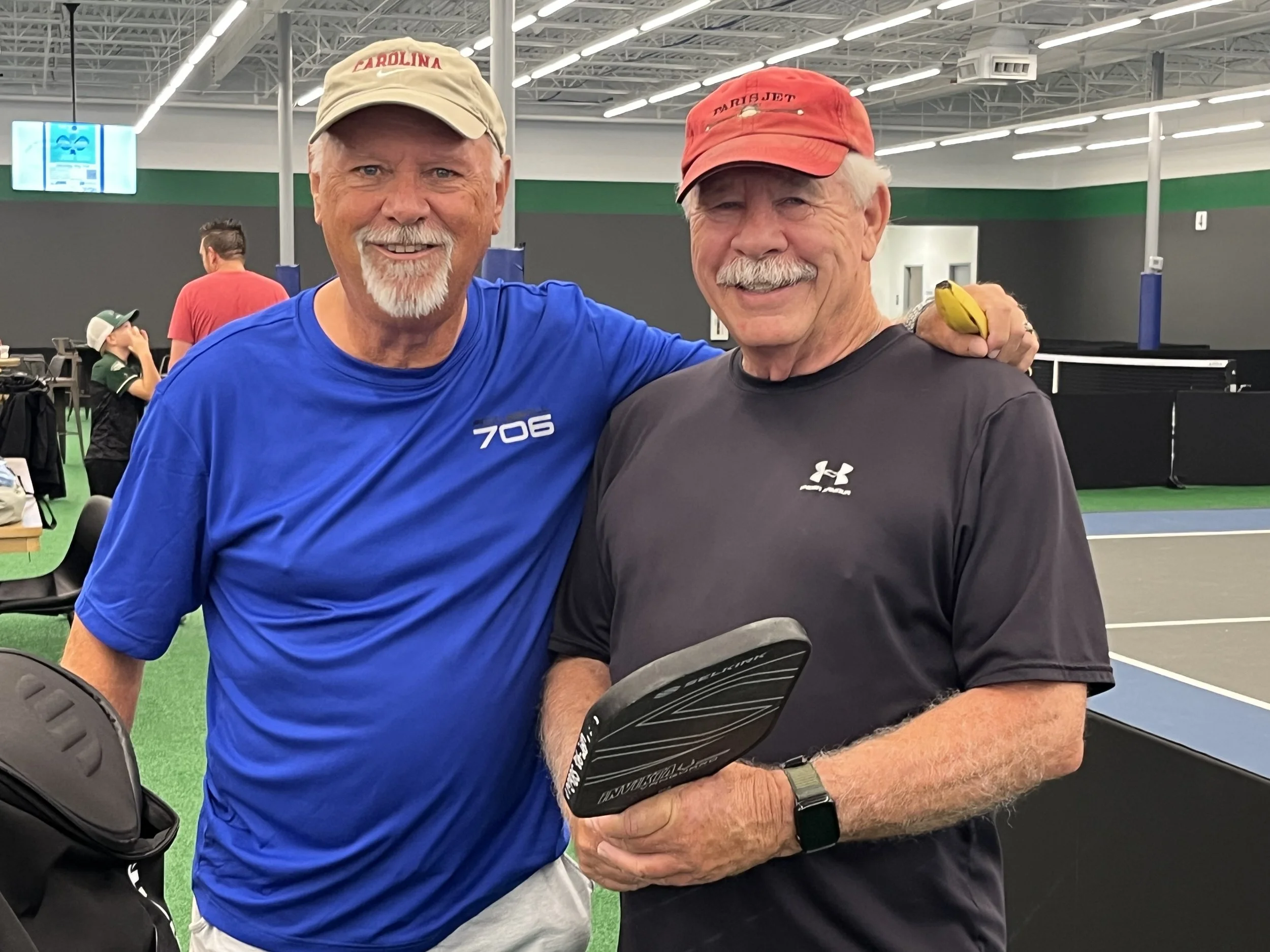
Senior Open Play Pass $50/month*
Monthly Unlimited Open Play for Seniors ages 55 yrs+.
*$40/month for 12 month commitment.
-

Student Unlimited Open Play Pass $50/month*
Monthly Unlimited Open Play for Students ages 12 through 24, College Studentsmust provide proof of enrollment.
*$40/month for 12 month commitment.
-
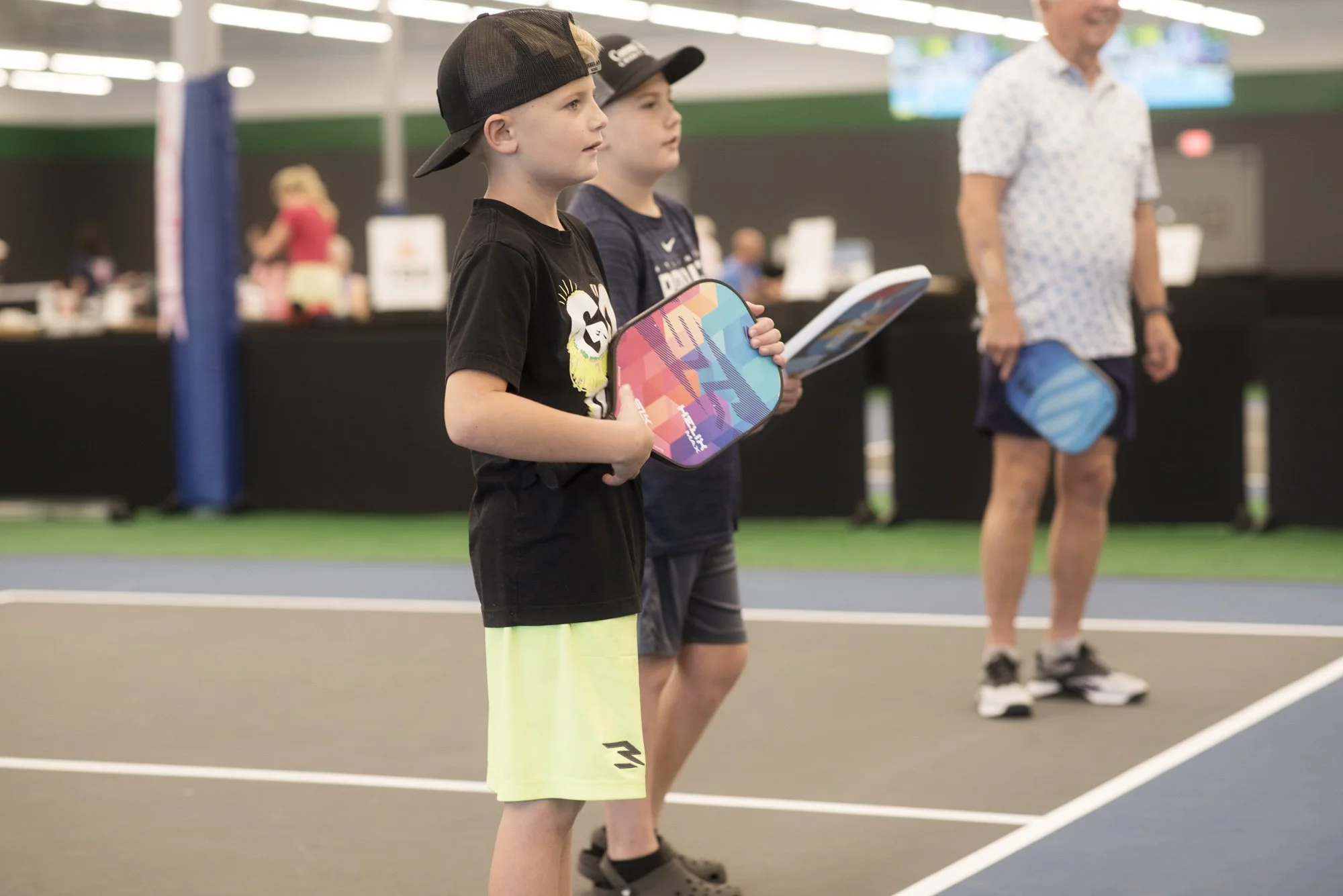
Junior Membership $25/month
Great for kids 8-14 years. Unlimited Junior Open Play, 50% discount off Junior Program Classes and Junior DUPR days. Monday - Fridays 4 - 5:30 pm there will be events for Juniors and some weekends. Only Available during the school year.
-
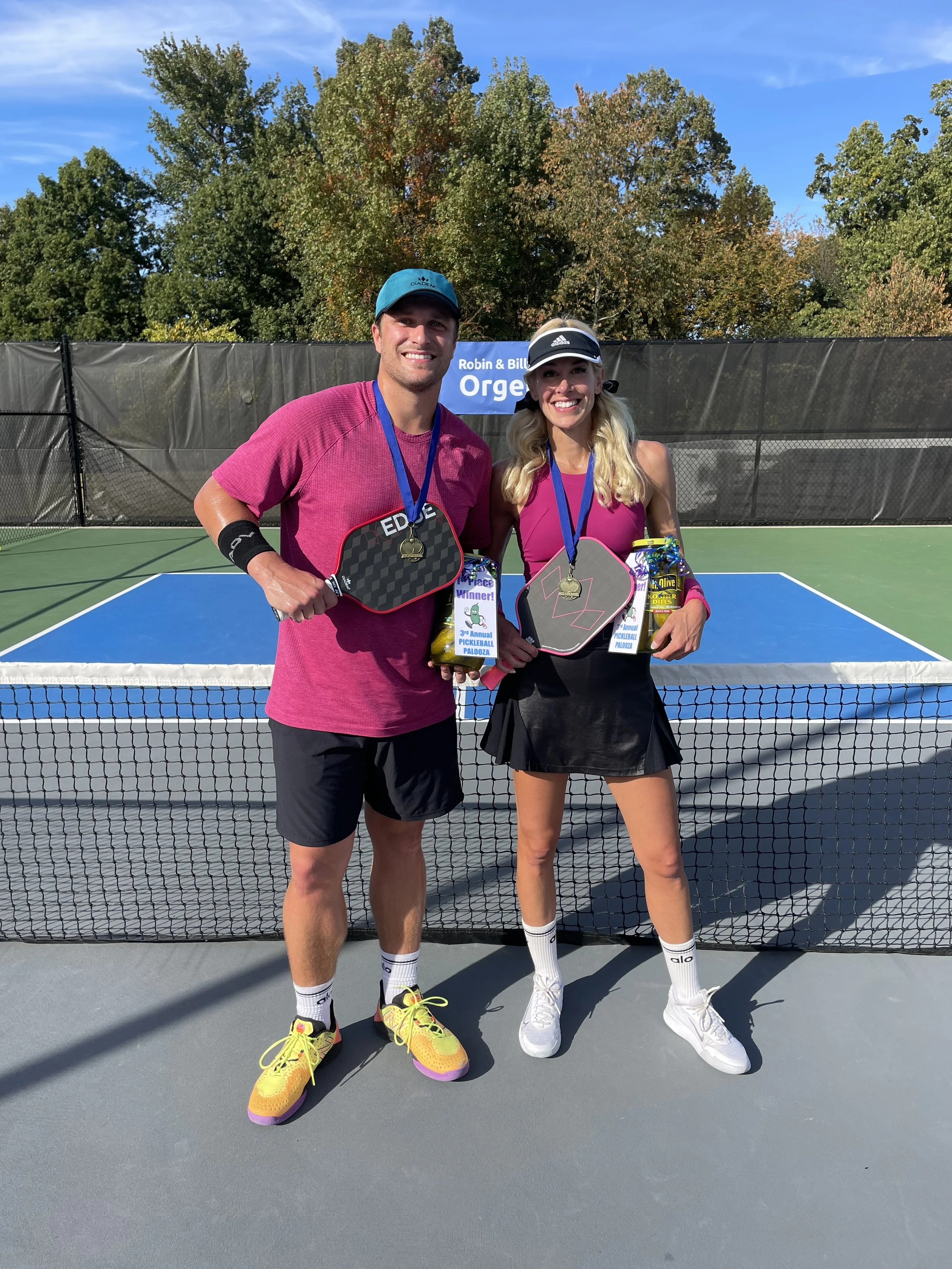
Family of 2 Unlimited Open Play Pass $115/month*
Monthly Unlimited Open Play Pass for 2 Family members residing in the same household.
*$100/month for 12 month commitment
-
Paddle Up Pathway Memberships
These Memberships are Limited Time Introductory Memberships, Include unlimited Open Play for a set time period, a 4 -week Pickleball 101 Clinic and 2 hours Court Time each month. See our “New to Pickleball” Page for the latest offers.
-
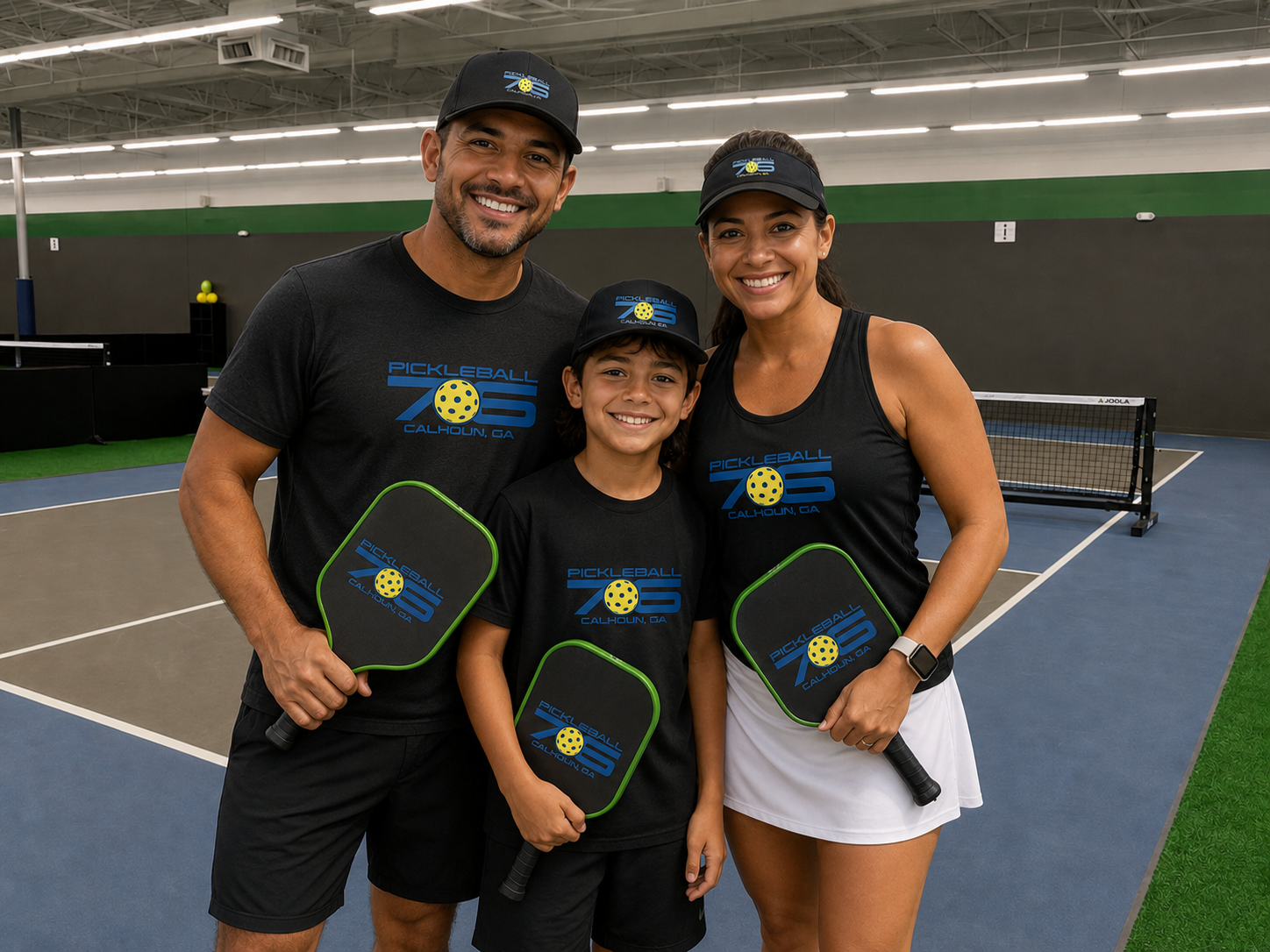
Family of 3 Unlimited Open Play Pass $125/month*
Monthly Unlimited Open Play Pass for 3 Family Members residing in the same Household. *Requires a 12-month commitment,
-
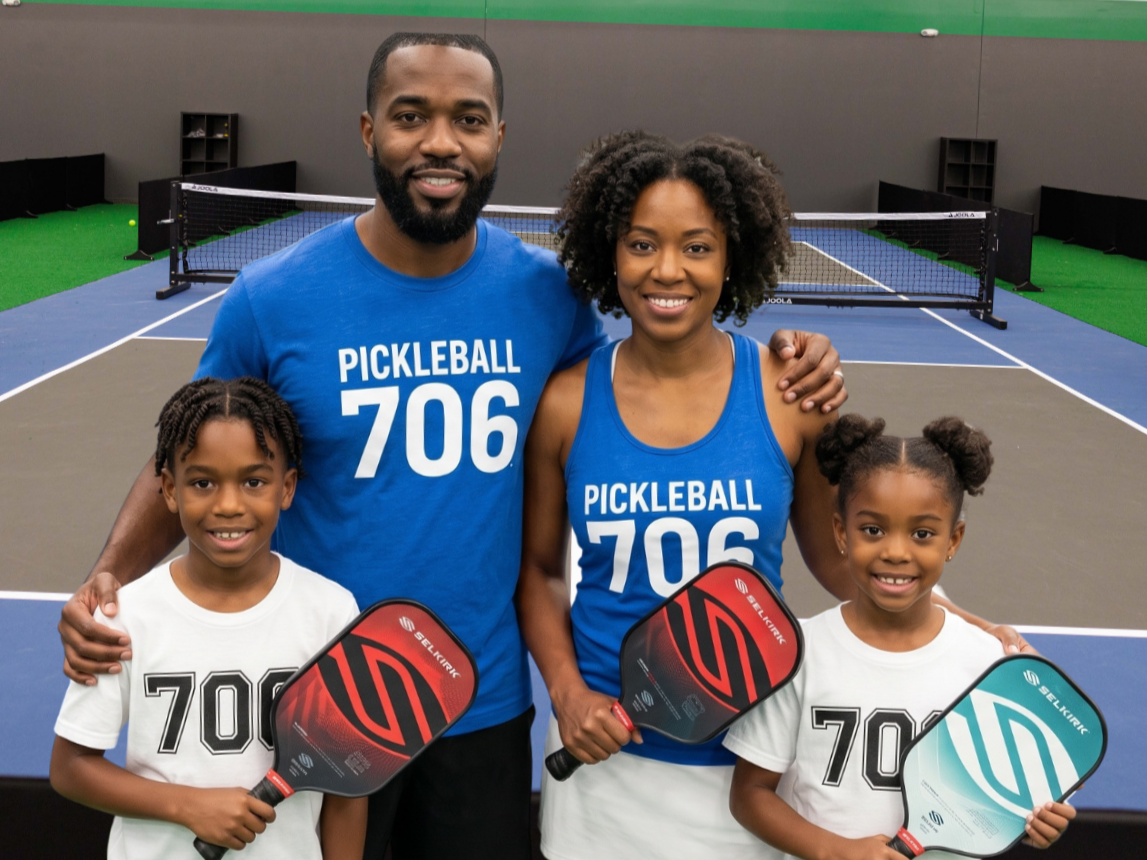
Family of 4 Unlimited Open Play Pass $145/month*
Monthly Unlimited Open Play Pass for 4 Family Members residing in the same household. *Requires a 12-month Commitment.
-
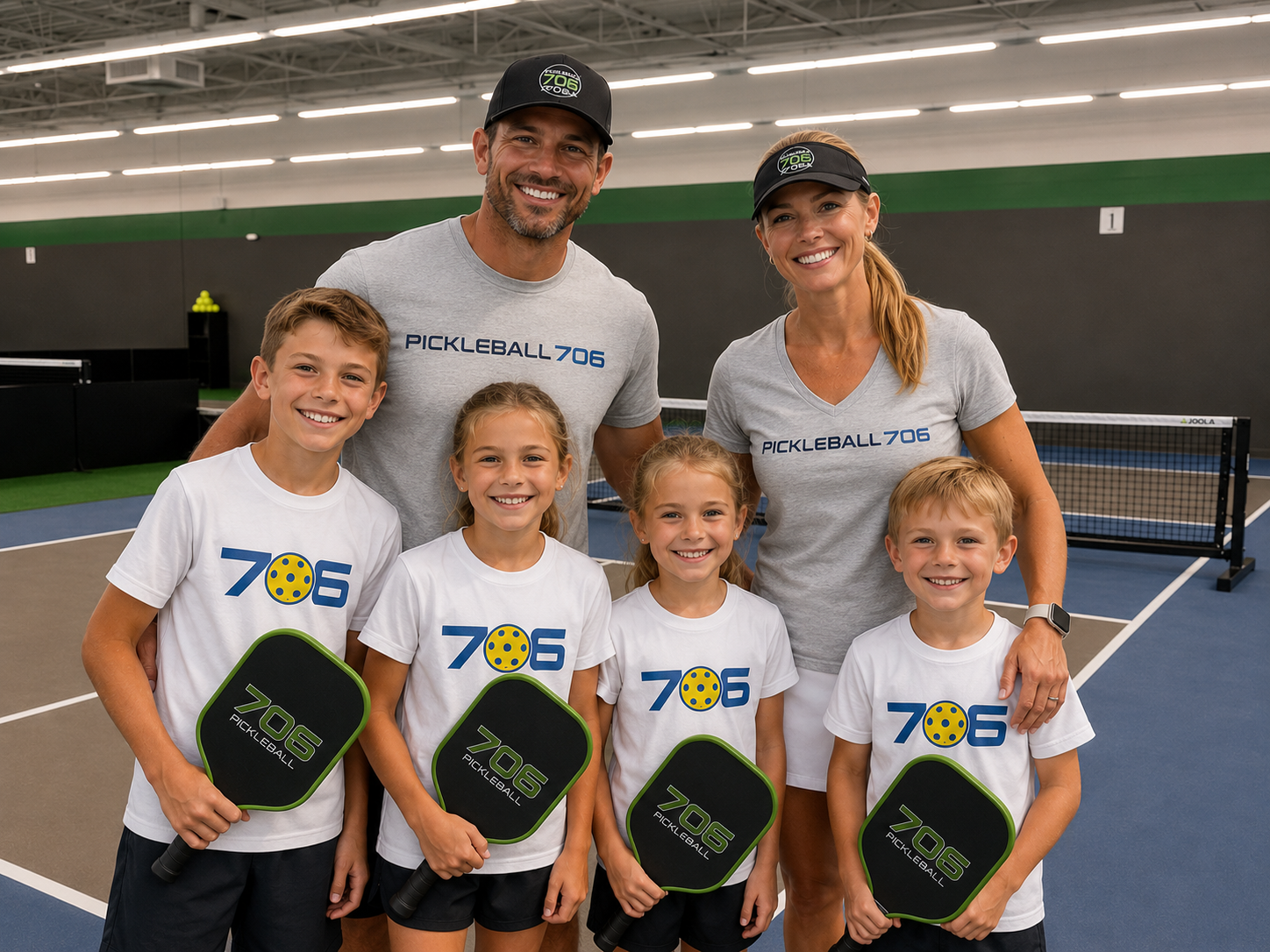
Family of 5-6 Unlimited Open Play Pass $175/month*
Monthly Unlimited Open Play Pass for 5-6 Family Members residing in the same household. *Requires a 12 month Commitment.

The POP Membership is Back!
Are you the occasional player that wants the freedom to play in Open Play or Book a Court?
Twice a Month Players should consider the POP Membership:
2 punches to use on your portion of Court Time or Open Play
Discount on Court Time & Day Passes when your Membership is used.
Can Book Courts up to 7 days in advance.
Requires a 12 month commitment.
Day Pass Bundles
Do you and/or your family play a lot of Pickleball but are inconsistent in when you can play? Consider purchasing a Day Pass Bundle to save on Open Play & or Court Reservations. Bundles can be redeemed by entire families*, please email info@pickleball706.com and ask about setting up a Basic Family plan to take advantage of this benefit. Bundles Expire 6 months from date of purchase.
*Families MUST be set up Prior to purchasing a bundle for Family use!
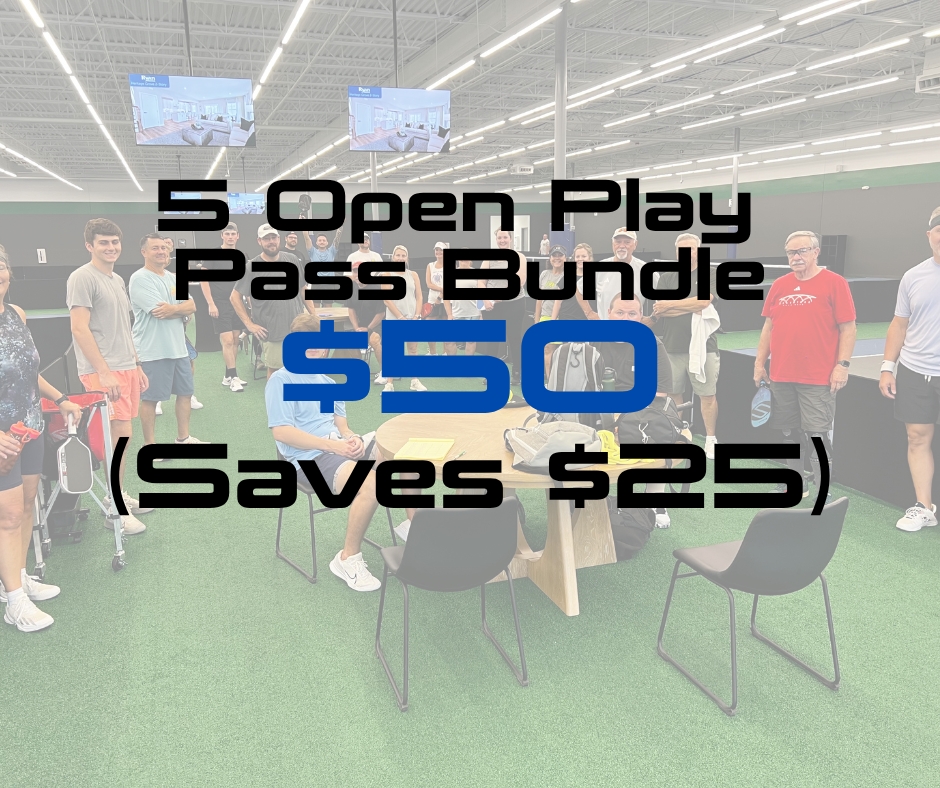
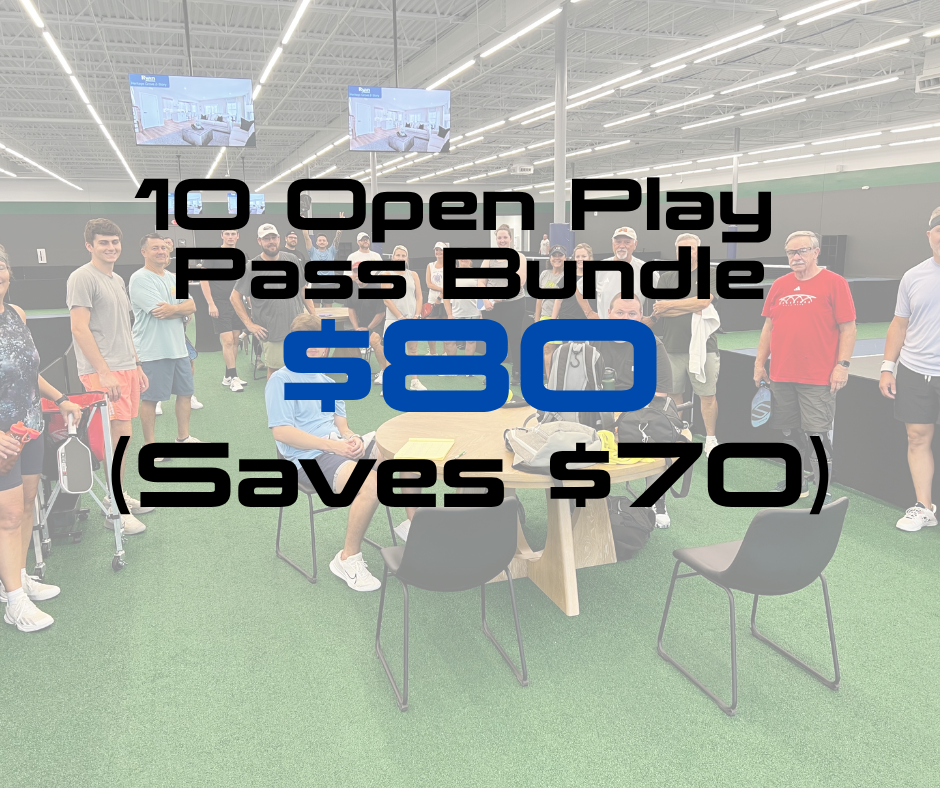
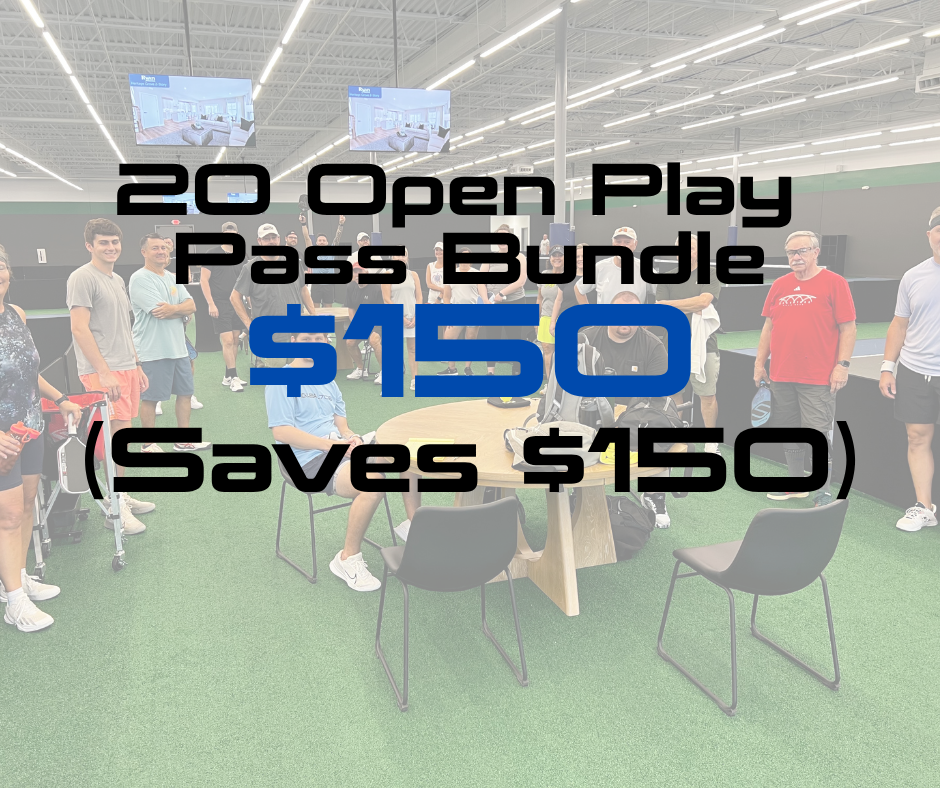
Payment will be completed in Court Reserve and saved to your account. Bundles expire 6 months after date of Purchase .
Court Reservation Hours Bundles
We are now offering Court Reservation Bundles! These are a great way for you to save money on reserving courts, similar to Open Play Pass Bundles, you use a punch for each hour of Court Reservations.
Cost: 10 Hours of Court Reservations for $225 (Non-Members and Day Members)
$150 for Upgraded Members
And for those of you that play on a regular schedule and want to ensure you always have court time: ask about setting up a Recurring Court Reservation!
You can set them to daily, weekly, or monthly sessions depending on availability. Add guests on a per-session basis on your own time in the CourtReserve app.
Using Court Reservation Bundles helps lower the hourly cost of setting up these recurring bookings. You also still have the option to split fees evenly with your guests if you’d like. Email info@pickleball706.com if you’d like to set one up!